


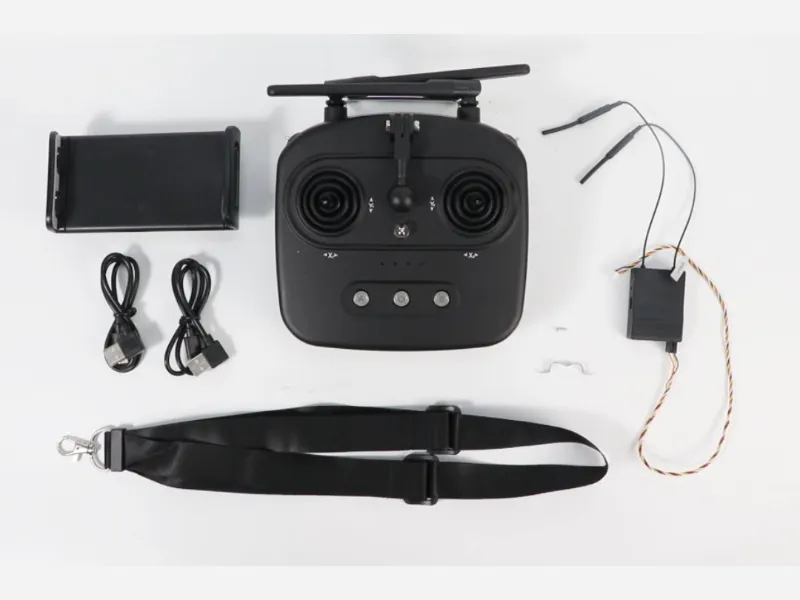
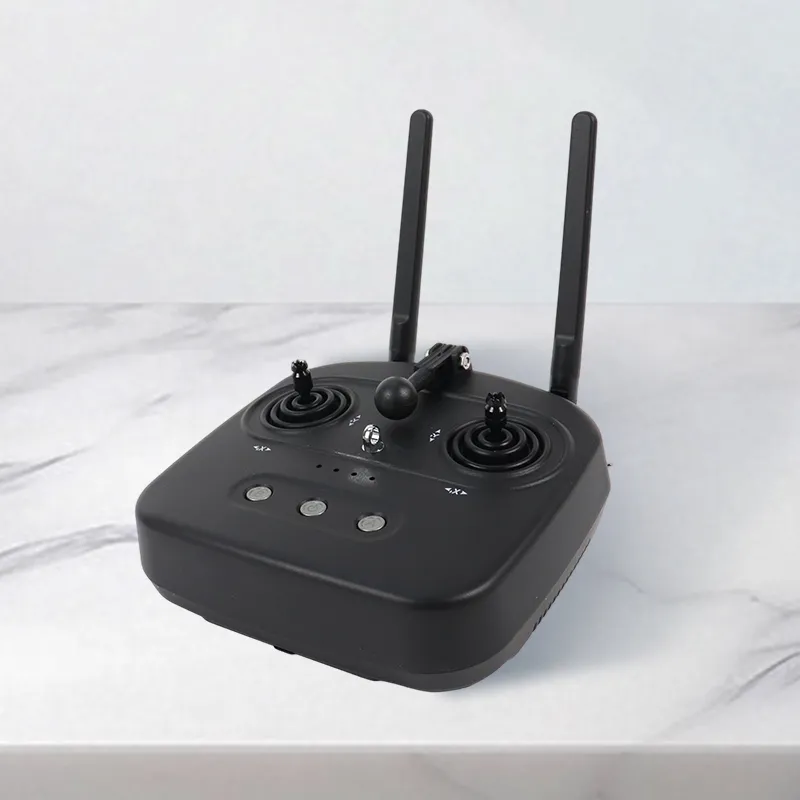
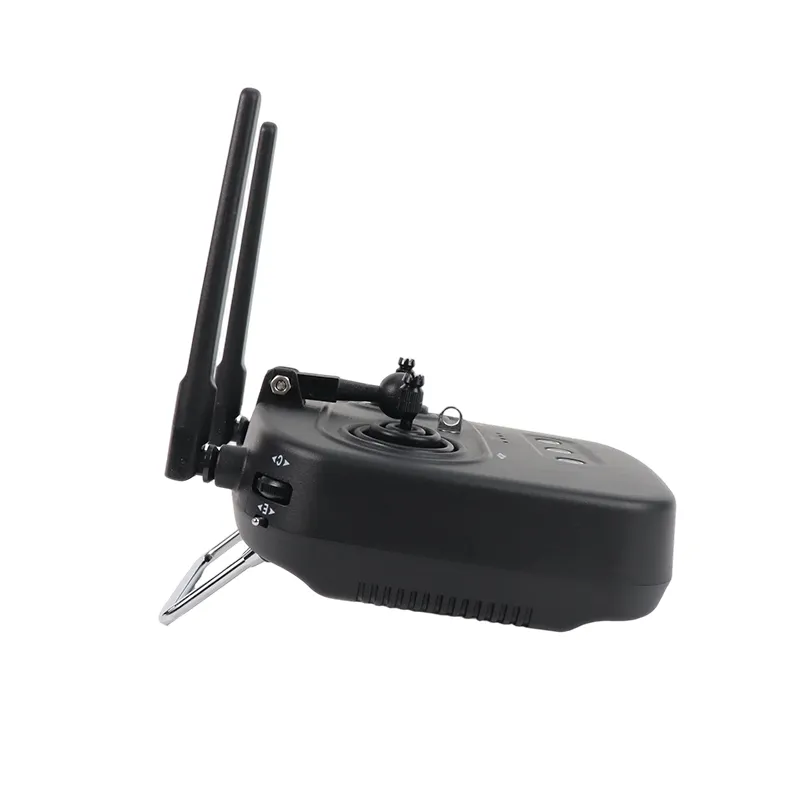
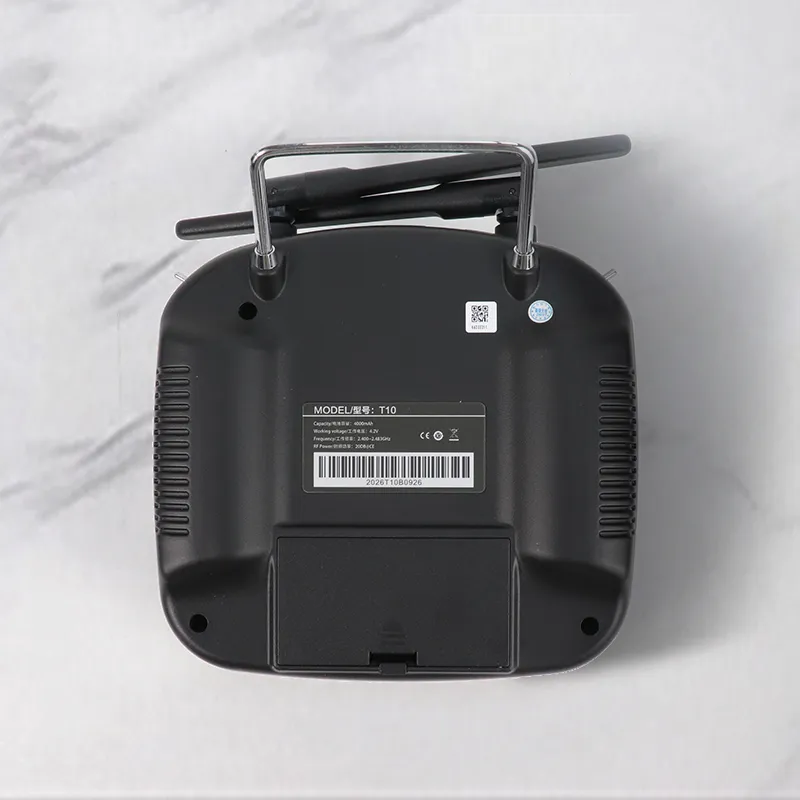
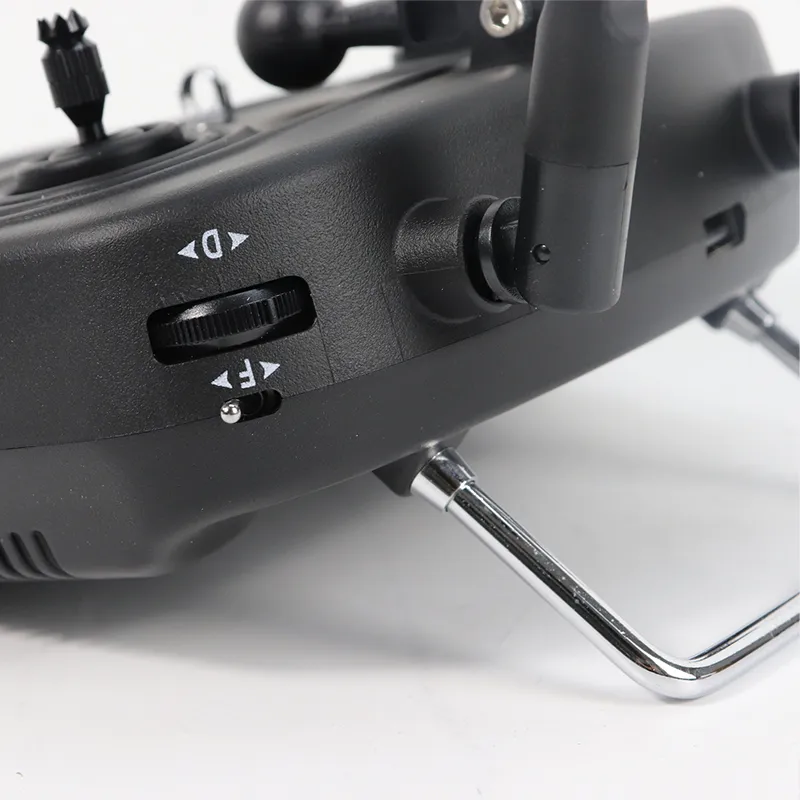
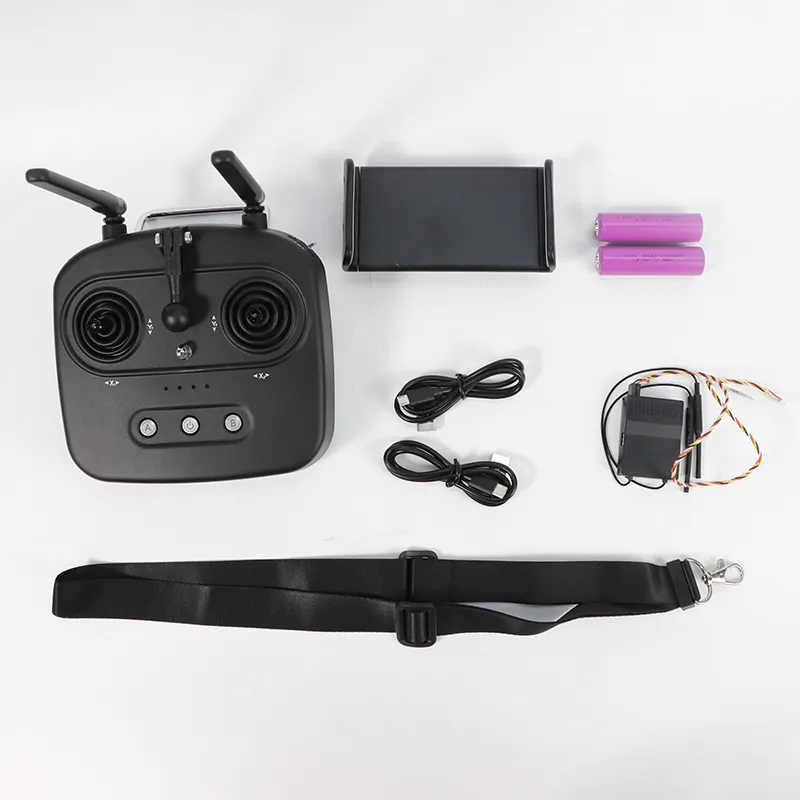


Skydroid T10 RC Transmitter 3-in-1 Camera Integrated Data & Video Link for Agricultural Spraying Drone & RC Aircraft
Skydroid T10 RC transmitter built-in 3-in-1 camera, data and video transmission. Suitable for agricultural spraying drones and RC aircraft with stable signal and easy operation.
USD 21
Product Detail
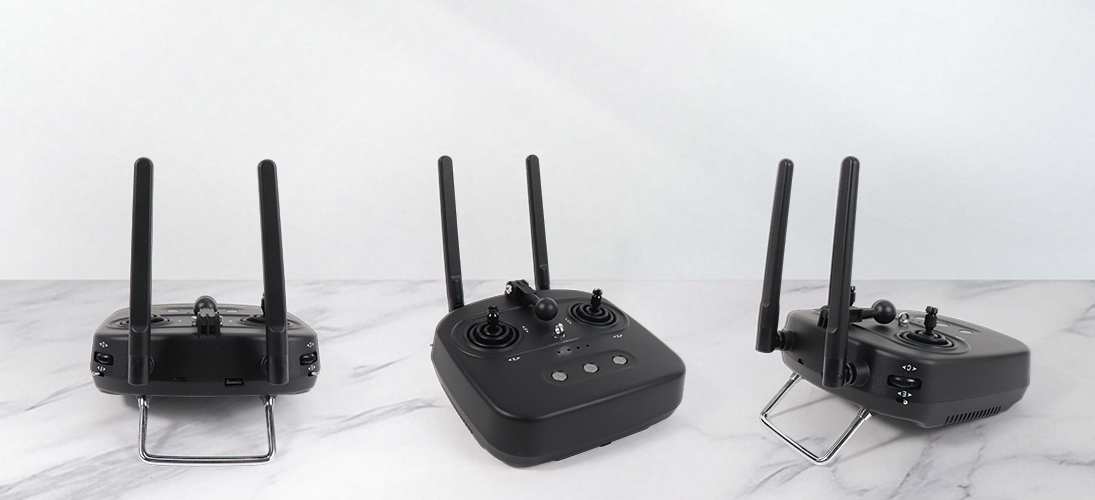
Skydroid T10
High Precision | Low Latency | 10KM Video Transmission Range | Integrated Video, Data & Control
Supported by Professional UAV Team
Product Showcase
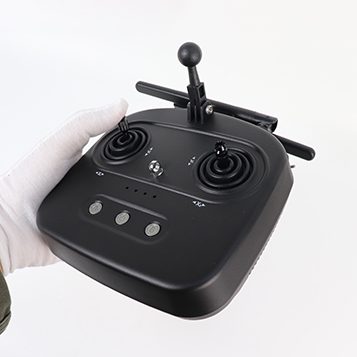
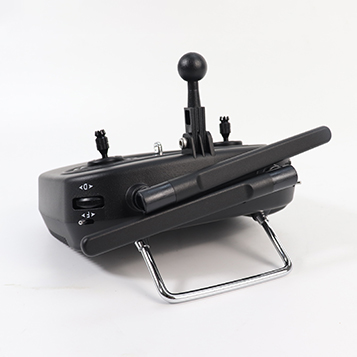
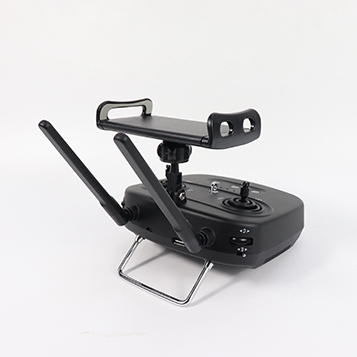
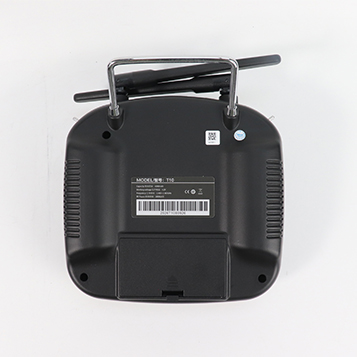
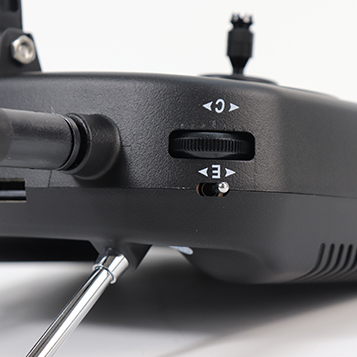
Product Features
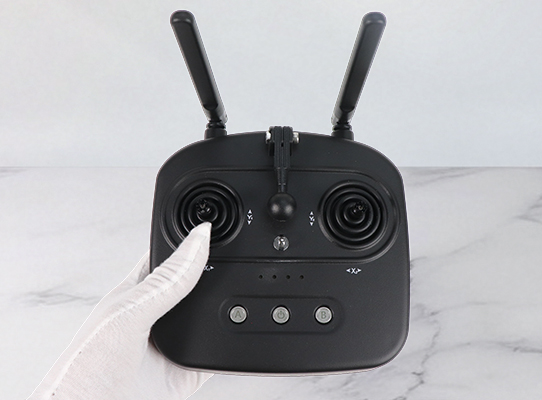
Professional-level control and stability
High-precision control with low-latency response
Excellent anti-interference capability, suitable for flight missions in complex environments
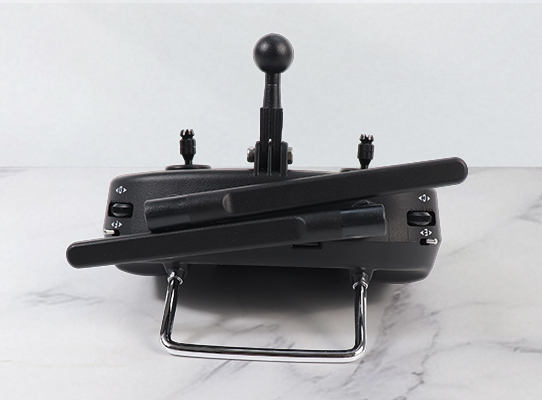
Foldable Structure
Adopts portable foldable structure,
with intuitive interface and comfortable grip
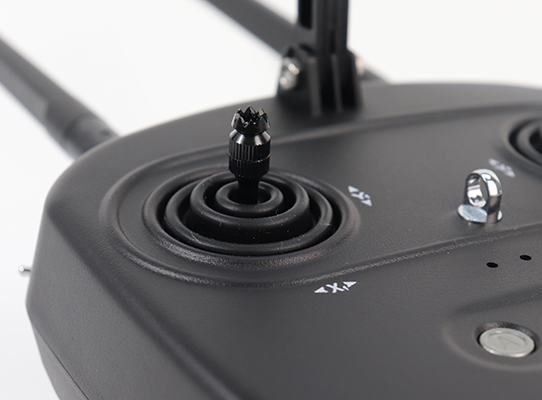
One-Tap Control
It comes with integrated intelligent functions and supports automated features including smart return-to-home, position hold, waypoint planning and more
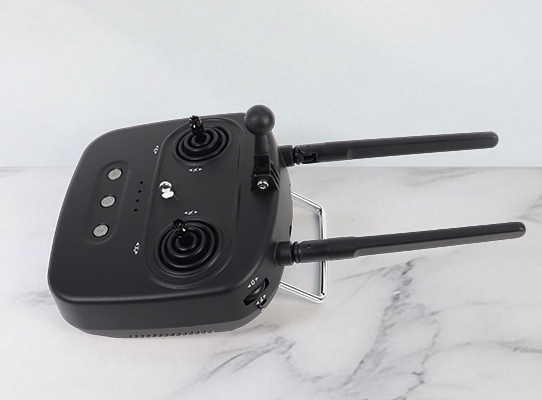
Dual-antenna redundancy design
Paired with communication algorithms,
it improves signal communication capability
Product Performance
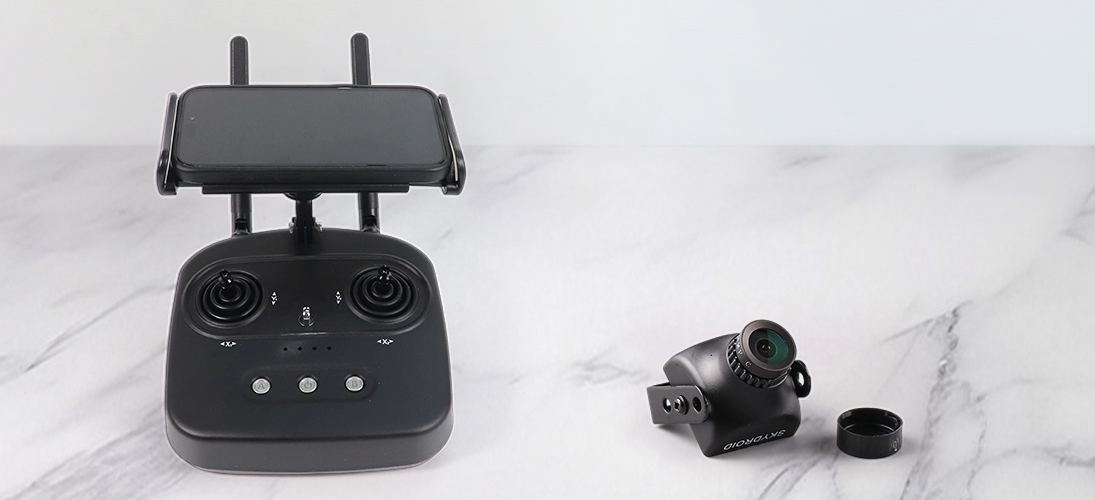
Standard Definition Digital Video Transmission
Transmission range: 5–7 kilometers
All-in-one data, video and control link
Adopts replaceable 18650 battery design
Display device not included
MINI Camera
T10
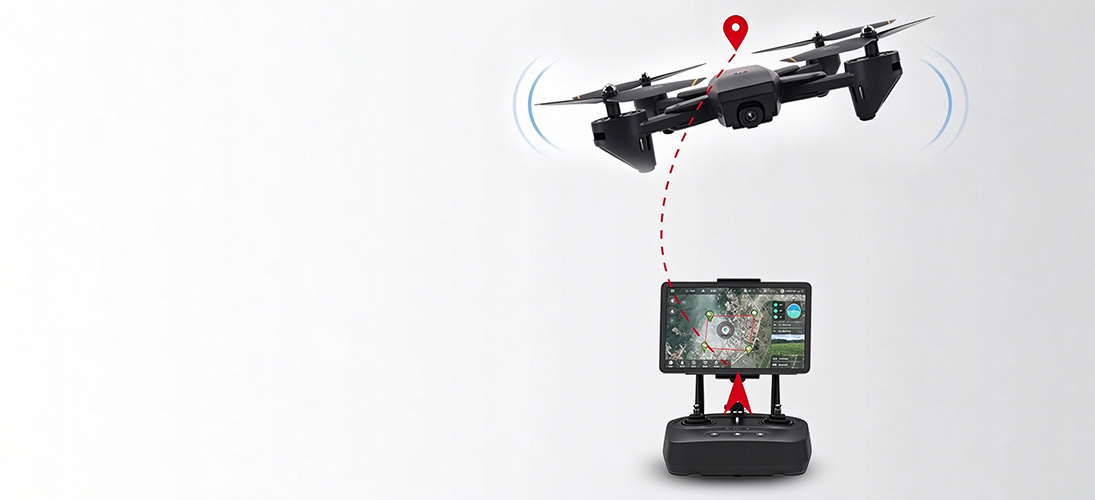
10KM+
Image Transmission Distance
Video Resolution: 640 × 360
It utilizes LoRa technology and redundancy algorithms. With 2.4 GHz frequency band and 100 mW transmitting power, it realizes an image transmission distance of more than 10 KM.
Data & Video Link System
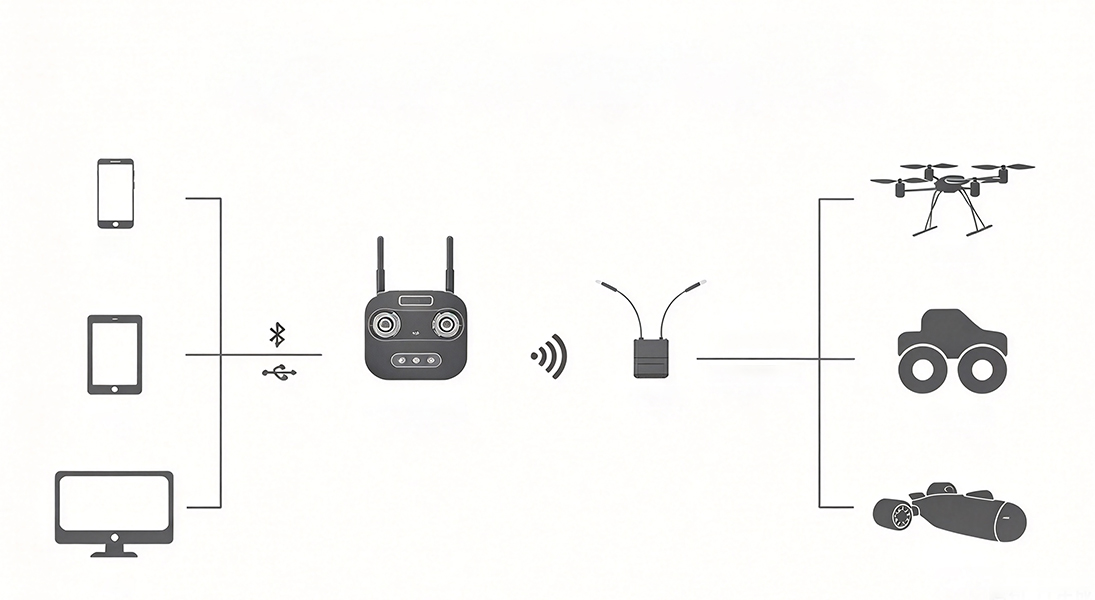
FHSS Spread Spectrum Technology with Omnidirectional Gain Antenna
All operations and configurations for the aircraft and camera can be performed within the communication range.
Mobile Phone
Tablet
Computer
T10 Link Remote Controller
Data Transmission Receiver
Video Transmission, Data Transmission
S.BUS / PWM
UAV
Intelligent Robot
Underwater Unmanned Vehicle
Skydroid UAV Link Product Comparison
Parameter \ Model | T10 | T12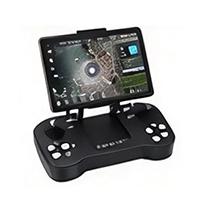 | SG12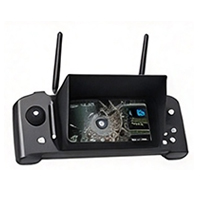 |
| Video Transmission Range (No Obstacles & Interference) | 7KM | 20KM | 20KM |
| Data Transmission Range (No Obstacles & Interference) | 10KM | 30KM | 30KM |
| Channel Count | 10 | 12 | 12 |
| RF Band & Power | 2.4GHz/100mA | ||
| Battery Capacity | 2 pcs of 18650 batteries | Built-in 4000mAh Lithium-ion Battery | Built-in 10000mAh Lithium-ion Battery |
| Endurance Time | 25h | 25h | 50h |
| Connection Method | Bluetooth、USB-OTG | ||
| Compatible Cameras | MINI-DCAM、L-DCAM、G-DCAM | ||
| Display Mounting Type | Removable Bracket | Folding Bracket | Anti-glare Folding Plate |
| Dimension | Remote Controller:160*1150*50mm | Remote Controller:225*125*35mm | Remote Controller:340*130*45mm |
| Receiver:50*31*12mm | Receiver:51*41*13mm | Receiver:51*41*13mm | |
| Weight | Remote Controller: 525g | Remote Controller: 560g | Remote Controller: 775g |
| Receiver: 17g | Receiver: 20g | Receiver: 20g | |
Button Function Description
T10 Remote Controller
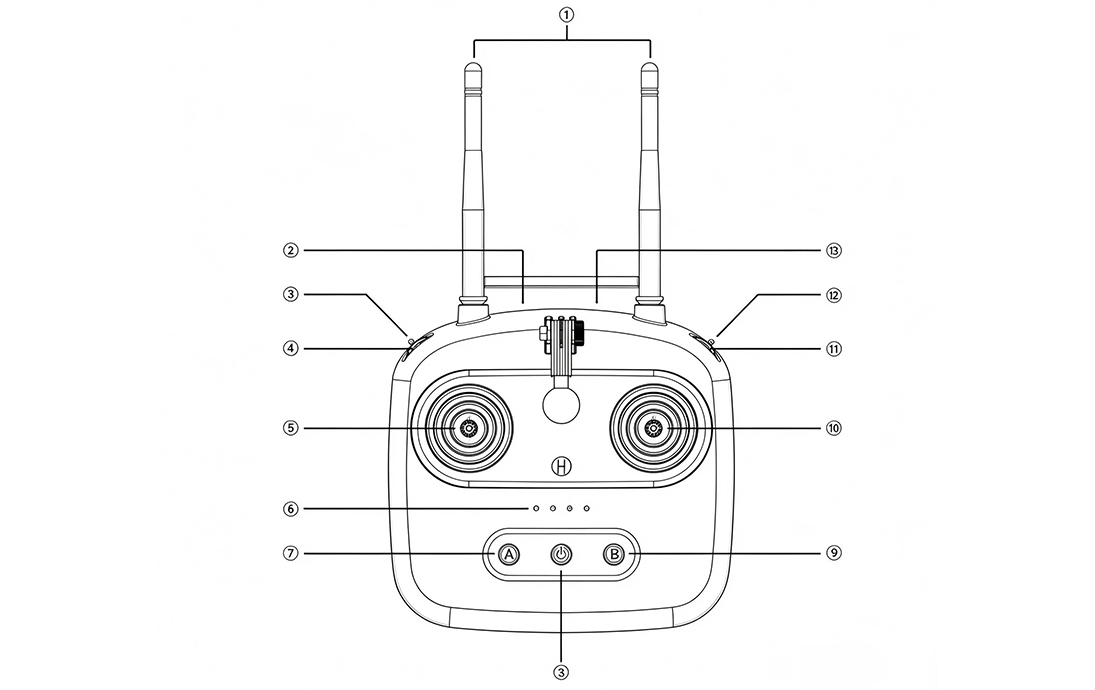
Meaning of Each Button
| No. | Description | No. | Description |
| 1 | 2.4G 3dB Antenna | 8 | Power Key |
| 2 | USB1 / Video Output | 9 | Button B |
| 3 | 3-position Toggle Switch E | 10 | Right Joystick X2, Y2 |
| 4 | Potentiometer Knob C | 11 | Potentiometer Knob D |
| 5 | Left Joystick X1, Y1 | 12 | 3-position Toggle Switch F |
| 6 | Battery Indicator ① | 13 | USB2 / Charging / Data Transmission |
| 7 | Button A | / | / |
Interface Notes
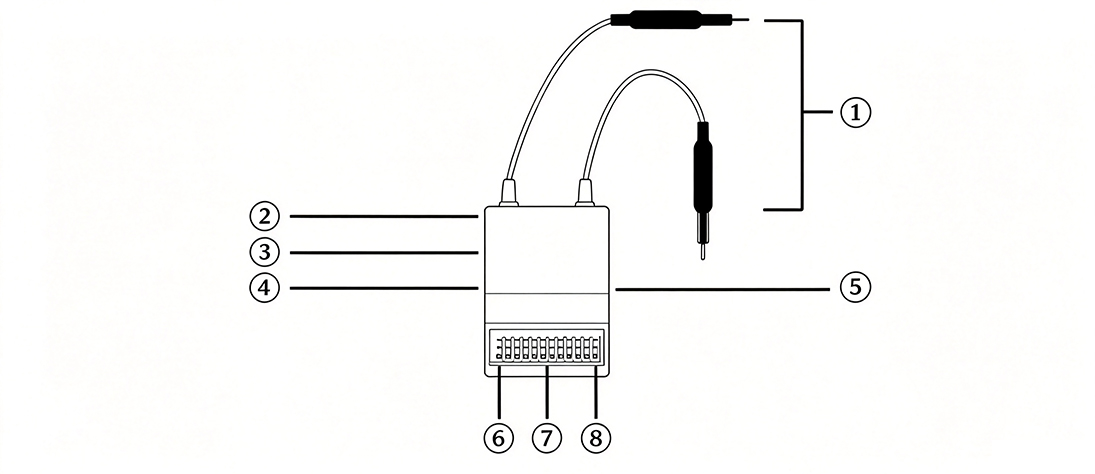
Interface Notes
| No. | Description | No. | Description |
| 1 | Antenna | 5 | Camera Interface |
| 2 | Power Indicator Light | 6 | PPM / SBUS |
| 3 | Binding Button | 7 | PWM |
| 4 | USB Upgrade Port | 8 | Data Port \ G-GND T-TX \ R-RX |
Packing List
| Name | Quantity | Remarks |
| T10 Main Unit | 1 pc | / |
| R10 Receiver | 1 pc | / |
| MINIDCAM | 1 pc | / |
| Data Cable | 1 pc | For data transmission |
| USB-Micro OTG Cable | 1 pc | For video transmission |
| USB-Type-C OTG Cable | 1 pc | For video transmission |
| Stick Mode Conversion Kit | 1 set | For joystick mode modification |
| Lanyard | 1 pc | / |
| Joystick Caps | 2 pcs | / |
Receiver Status Indicator
| Indicator Light Status | Receiver Status |
| Red light flashing rapidly | Self-test failed, please retry or return to factory |
| Red & green light flash alternately once | Self-test passed |
| Green light off | Not bound or remote controller powered off |
| Both red and green lights off | Check power supply and wiring polarity |
Wiring Method
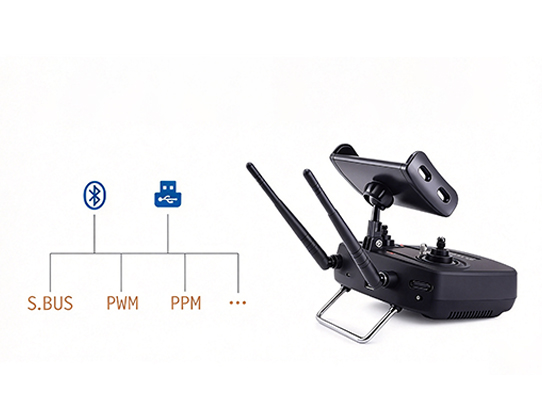
It adopts Bluetooth and USB two connection methods.
It supports various interfaces such as S.BUS, PPM, PWM and serial ports, and allows device expansion.
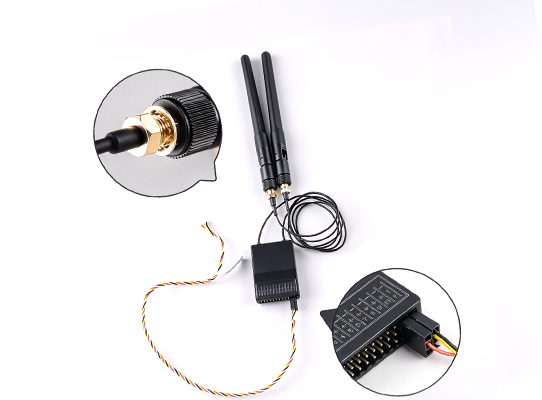
Receiver Connection Diagram
Contact Us
Contact Us | One-stop Procurement Consultation
We have professional sales and technical teams to respond to your inquiries promptly.
We provide product selection, custom solutions, sample testing, bulk supply and after-sales technical support.
Please send your requirements for latest quotation and product datasheets.
📞 WhatsApp:+86 13673532183
📩 Contact Email:[email protected]
FAQ
1. What are the maximum transmission distances for video and data links of Skydroid T10?
A: In an outdoor environment with no obstacles and interference, the maximum video transmission distance is 10KM, and the maximum data transmission distance is 20KM.
2. Does the Skydroid T10 receiver support PPM and SBUS?
A: Yes. By default, the first row is the SBUS signal port. To use PPM signal, switch it in the Device Assistant.
3. What is the function of the two antennas on the T10 transmitter?
A: Both are 2.4G antennas with redundant design for transmitting and receiving data control signals and video. Diversity technology is adopted, and either antenna can work independently.
4. What is the function of the two antennas on the T10 receiver?
A: The receiver adopts dual-antenna redundancy. Both antennas receive signals from the transmitter and send return signals at the same time. It is recommended to place the two antennas at an angle during flight for better reception.
5. How to charge T10?
A: Charge it with the original micro OTG cable or Android micro cable and a qualified 5V charger. Charge indicator: flashes while charging, stays off when fully charged.
6. How to power on / power off the remote controller?
A: Short press once then long press to switch power.
7. The receiver shows no light after connecting to flight controller?
A: The remote controller may be powered off. If the remote is on, check the power supply of the receiver or re-bind it.
8. How to switch between Mode 2 (American Hand) and Mode 1 (Japanese Hand)?
A: Connect the remote to your display device via Bluetooth, open the Device Assistant APP, enter the stick mode setting, select Mode1 / Mode2 and save. No extra configuration is needed.
Supplier Information
Company name:eriksen
Contact email:[email protected]
Recommended products

Hobbywing Original 6324 Propeller Blade & Hub for X15 Power System, 149kg Max Takeoff Weight Heavy Lift Drone
Hobbywing 6324 propeller,X15 propeller, drone prop hub,heavy lift drone prop,agricultural UAV propeller
collect:0
Hobbywing X8 G2 Integrated Power Set UAV Drone Motor ESC Propeller Combo for Industrial Multicopter
High power integrated power system, stable for industrial UAV
collect:0
Pixhawk 6X Open Source Flight Controller Autopilot for Multirotor Fixed Wing VTOL Drone
Pixhawk 6X high-performance FC, PX4 open source, for inspection mapping VTOL drone
collect:0
Pixhawk 6C Flight Controller PX4 Open Source Autopilot, Multirotor Quadcopter Fixed Wing, Upgrade for Pixhawk4
Pixhawk 6C Open Source Flight Controller, PX4, for Quadcopter Multirotor Fixed Wing, Upgrade of Pixhawk4
collect:0